
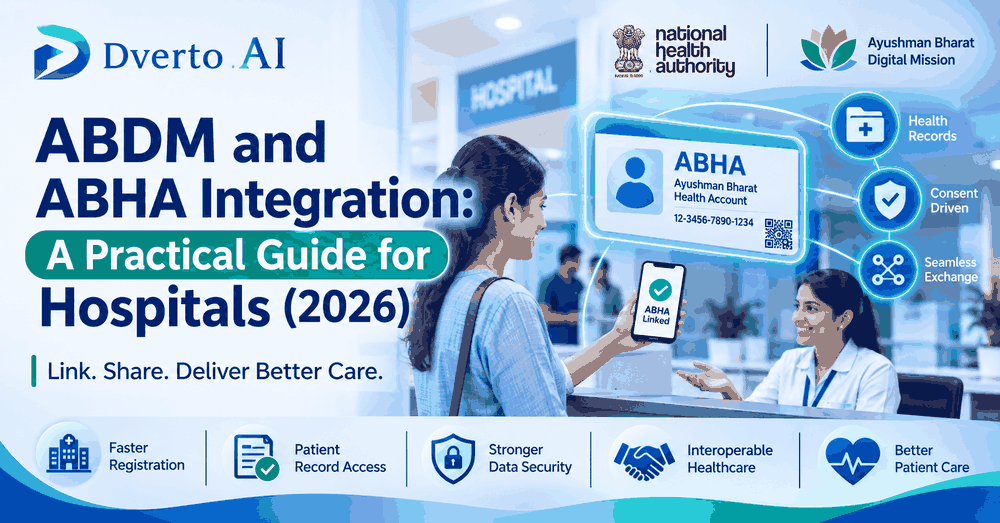
Artificial intelligence has moved well beyond simple Q&A and content generation. It’s now capable of doing much more than just responding to a prompt.
Consider a business report. A traditional AI might explain how to write one. An agentic AI? It gathers the data, analyzes it, organizes the findings, and prepares the report for your review.
This is agentic AI.
It’s shifting how businesses view automation. Instead of passive tools, we’re getting systems that plan, use various tools, make decisions, and drive toward a specific goal. We’ll break down what this means, how these agents work, where they fit in, and how they might reshape work.
What Is Agentic AI?
Agentic AI doesn’t just generate an answer. It works toward a goal through planning and action.
An agent starts with an objective. It assesses available information, decides on steps, and uses approved tools to execute.
Ask a standard chatbot how to prepare a report, and you get a list of steps. An AI agent goes further. With access, it collects data, analyzes results, drafts the report, and shares it.
The difference is straightforward: agentic AI is built to get things done, not just answer questions.
What Is an AI Agent?
An AI agent is software that uses AI to perform tasks in a specific environment.
Depending on its design, an agent can:
Understand everyday language instructions.
Break large tasks into smaller steps.
Search for relevant information.
Interact with connected tools and apps.
Execute permitted actions.
Check results and adjust course.
Report progress or ask for help.
Some agents handle single tasks. Others integrate into broader business workflows.
How Does Agentic AI Work?
Agentic AI blends an AI model with instructions, tools, context, and a process. The setup varies, but the core steps remain similar.
1. Understand the Goal
It starts with a task.
A business owner might say: "Analyze this month's equipment expenses and identify the most costly machines."
The agent parses this request, identifying what information is needed.
2. Plan the Work
Once the goal is clear, the agent breaks it down.
It might need to pull equipment records, calculate costs, compare results, and draft a summary. This multi-step capability makes agents useful for complex tasks, not just single queries.
3. Access Tools and Information
Agents connect to external tools for data not in their initial prompt.
Databases, APIs, documents, websites, and business apps are all potential sources. An agent linked to an equipment management system, for instance, can retrieve maintenance logs and expense data, assuming it has permission.
4. Carry Out the Task and Check Results
After planning, the agent executes.
It verifies if results match the objective. If something’s off or data is missing, it adjusts the plan, retries an action, or asks a human for help.
5. Share the Final Result
Completion triggers delivery.
A report, a summary, an updated record, or a recommendation. For high-stakes actions—money, confidential data, or irreversible changes—human approval should stay in the loop.
Agentic AI vs. Traditional AI vs. Generative AI
Confusion is common. Here’s a quick breakdown:
TechnologyWhat it doesExampleTraditional AIRecognizes patterns, predicts outcomesDetecting defects in manufacturingGenerative AICreates new content from promptsWriting a report, generating an imageAgentic AIPlans and acts to achieve a goalCollecting data, preparing a reportAgentic AI can use generative AI as part of its toolkit. But not every generative tool is an agent. What sets an agent apart is its ability to navigate a process, use tools, and act toward an objective.
Real-World Applications
Agentic AI shines where employees juggle information collection, repetitive tasks, or multiple software apps.
1. Healthcare and Hospital Management
Hospitals manage large amounts of administrative and operational data.
AI agents can assist with:
Organizing administrative workflows.
Preparing audit summaries.
Flagging incomplete documentation.
Summarizing quality reports.
Tracking pending deadlines.
Imagine an agent linked to a hospital quality system. It spots overdue corrective actions and drafts a summary for the quality team. Staff spend less time digging through records and more time on critical duties.
Agents should support, not replace, clinical judgment. Patient data must be handled securely, with human oversight.
2. Business Process Automation
Many businesses still rely on people to move information between apps and complete manual tasks.
Agents can help by:
Extracting information from documents.
Drafting reports.
Categorizing customer requests.
Sending emails.
Updating records after approval.
Tracking workflow progress.
Routine work decreases. Employees can focus on experience, creativity, and personal interaction.
3. Software Development
AI coding agents are becoming staples for developers.
They assist with:
Understanding existing code.
Finding and explaining bugs.
Writing code.
Creating test cases.
Reviewing pull requests.
Updating documentation.
This speeds up parts of the development process. But AI-generated code needs review and testing. Developers remain responsible for quality, functionality, and security.
4. Finance and Accounting
Finance teams manage invoices, expenses, payments, and reports.
Agents can help by:
Extracting invoice details.
Categorizing expenses.
Preparing reconciliation summaries.
Identifying unusual transactions.
Drafting financial reports.
Manual drudgery decreases. Sensitive financial actions must still follow approval processes and access controls.
5. Customer Support
Support teams answer similar questions daily.
Agents can find relevant information, classify requests, and draft responses. With integrations, they might check orders, update tickets, or route requests to the right department.
Complex issues or requests requiring personal assistance? The agent hands off to a human.
Benefits of Agentic AI for Businesses
Used correctly, agentic AI streamlines operations.
Improved Productivity
Employees waste time switching apps and doing repetitive tasks. Agents handle some multi-step activities, freeing teams for higher-value work.
Faster Access to Information
Agents gather information from approved sources and organize it. Employees can understand situations without manually searching records.
More Consistent Workflows
Agents following defined processes can help ensure consistency. This is useful for routine activities with established procedures.
Easier Scaling
Business growth often means more administrative work. Automating selected workflows helps manage growth without relying solely on manual processing.
More Time for Important Work
Automation isn’t just about speed. It’s about reducing unnecessary repetition so people can focus on relationships, problem-solving, planning, and development.
Actual benefits depend on AI quality, data, and workflow design. Automation doesn’t guarantee identical results everywhere.
Challenges and Limitations
Exciting possibilities exist, but businesses must understand limitations before deploying agents for critical tasks.
Accuracy and Reliability
Agents can misinterpret instructions, use incorrect information, or make mistakes. Critical results need checking.
Data Security
Agents connected to business apps may access sensitive information. Control what they can see and do. Limit access to what’s required.
Cost and Complexity
Building reliable agents involves model usage, infrastructure, integrations, testing, and maintenance. Simple workflows are easier to automate. Complex processes require more planning.
Human Oversight
Some tasks suit automation; others need human judgment. Define which actions agents can take independently and which require approval.
Monitoring and Accountability
Agents shouldn’t operate blindly. Organizations need visibility into agent actions, proper records, and clear accountability when things go wrong.
The best approach combines automation with clear rules, reliable data, and human supervision.
How Businesses Can Get Started
You don’t need to automate everything. Starting small is often smarter.
Step 1: Find a Repetitive Task
Look for predictable, time-consuming processes. Weekly reports, document organization, and tracking pending requests are good examples.
Step 2: Define the Agent’s Goal
Be specific. What should the agent do? What information can it access? What should the output look like?
Step 3: Connect Necessary Tools
Grant access only to required apps and data. Use appropriate permissions. Avoid unnecessary exposure to sensitive information.
Step 4: Test the Workflow
Test with normal tasks, incomplete information, unexpected inputs, and failure cases before daily use.
Step 5: Keep Human Approval
Start with drafts or recommendations for human review. As reliability improves, consider allowing more automated actions.
Step 6: Measure Results
Track metrics like:
Time to complete tasks.
Error rates.
Success percentage.
Manual work reduction.
These numbers tell you if the agent actually improves things.
The Future of Agentic AI
Agentic AI is pushing AI in a new direction.
Beyond answering questions or generating content, systems are learning to navigate tasks and interact with software. As models, tools, and integrations improve, agents may better coordinate work across apps.
But autonomy isn’t the only metric.
Reliability, security, transparency, and responsible use matter just as much.
Businesses exploring agents carefully can identify useful automations and build a foundation for smarter operations.
Conclusion
Agentic AI marks a significant step in AI development.
By combining planning, reasoning, tool use, and execution, agents help businesses tackle multi-step tasks across diverse information sources. From healthcare administration to finance, software development, and support, agentic AI offers ways to simplify repetitive work and improve operations.
Start with one useful workflow. Introduce AI responsibly. Measure results. Expand gradually.
As AI evolves, agentic AI could become central to modern business operations.
If you’re looking to improve healthcare quality workflows, check out DvertoQMS, a digital quality management solution for healthcare operations.
Visit Dverto AI to learn more.
Got Questions? We've Got Answers
Q1 Is ABHA mandatory for patients?
No. ABHA is voluntary, and a hospital should always keep a registration path for patients who do not have one or do not want one. What is increasingly expected is that your software can link an ABHA when a patient offers it.
Q2 What is the difference between an ABHA number and an ABHA address?
The ABHA number is the 14-digit identifier issued by the registry. The ABHA address is a human-readable handle, like name@abdm, that a patient can share instead. Your software needs to accept and validate both.
Q3 Does ABDM store patient records centrally?
No. ABDM follows a federated design: records stay with the facility or lab that created them and move only when the patient consents. That is why consent artefacts and audit logs carry so much weight.
Q4 How is ABDM different from DPDP compliance?
They overlap but are not the same. ABDM governs how health records are shared across the digital health ecosystem; the DPDP Act governs how personal data is processed across everything you do. A valid ABDM consent does not automatically satisfy your DPDP obligations, which is why our DPDP consent and notice guide is worth reading alongside this one.
Q5 Can a hospital be both a HIP and an HIU?
Yes, and most are. A hospital pushes records as a provider and requests them as a user when a patient arrives with history from elsewhere. Plan for both roles from the start rather than bolting one on later.
Q6 How long does ABDM integration take?
It depends on how much of your record set you want to expose as structured FHIR and how clean your master patient index is. The identity and consent flows are usually a matter of weeks; complete clinical mapping is a longer, incremental effort. Starting with one department and one or two record types is the realistic path.
Related Blogs
More in Healthcare
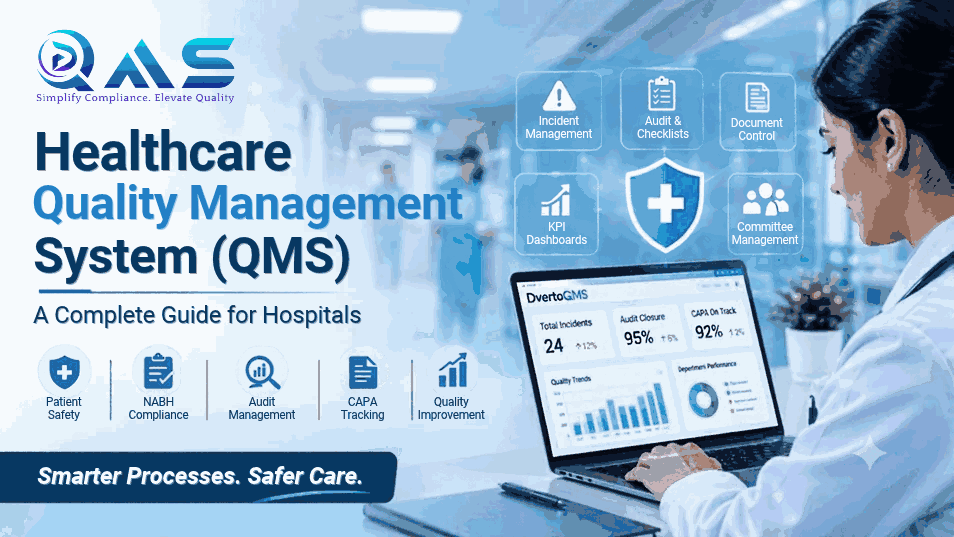
Healthcare Quality Management System (QMS): A Complete Guide for Hospitals
Discover how a Hospital Quality Management System helps hospitals improve patient safety, ...

Hospital Inventory Management in India: How Digital Systems Reduce Medicine Waste and Stockouts
hospital inventory management software, pharmacy inventory management, medicine stock mana...
Clinic Management Software for Better Patient Experience
clinic management software patient experience in clinics, clinic management software India...

How Digital Tools Can Reduce Administrative Work for Indian Clinics
digital tools for clinics patient experience in clinics, clinic management software India,...
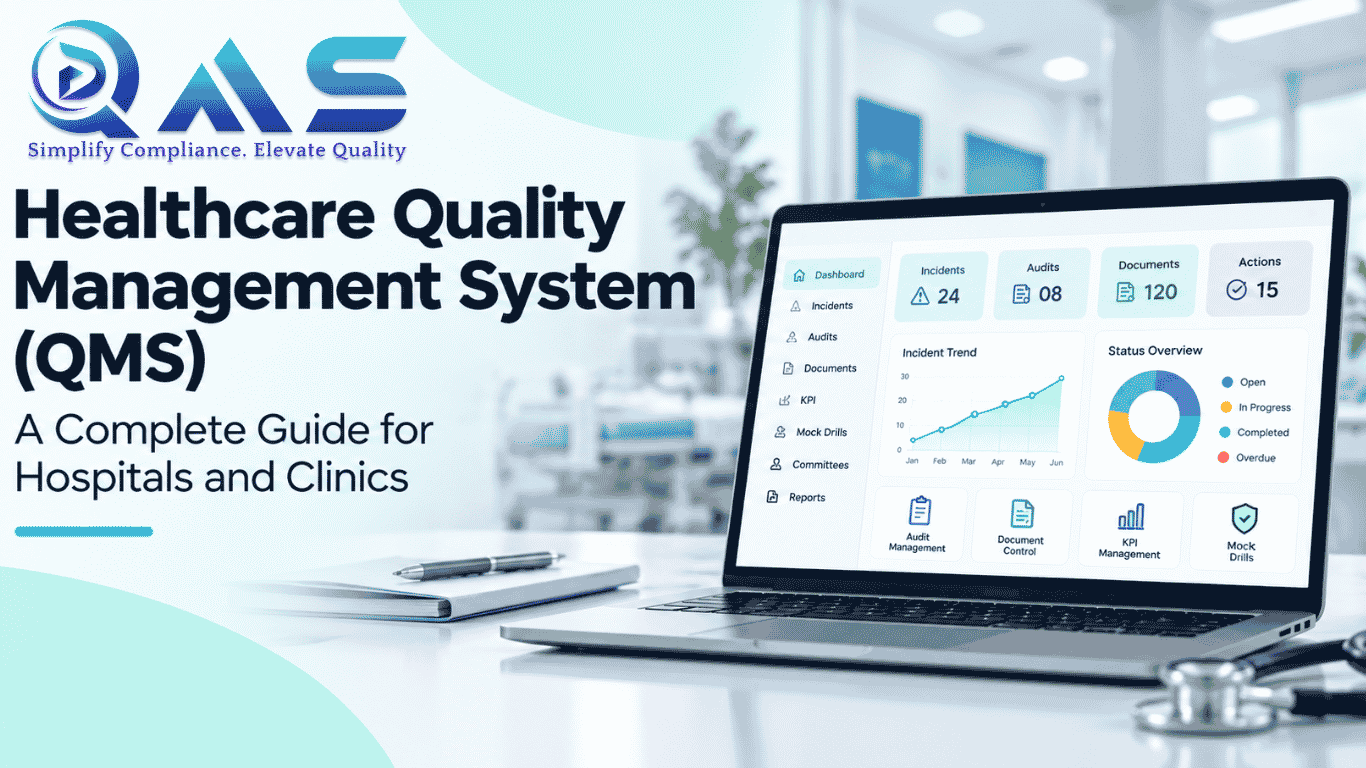
Healthcare Quality Management System (QMS): The Complete Guide for Hospitals & Clinics in 2026
Discover how a modern Healthcare Quality Management System helps hospitals and clinics imp...
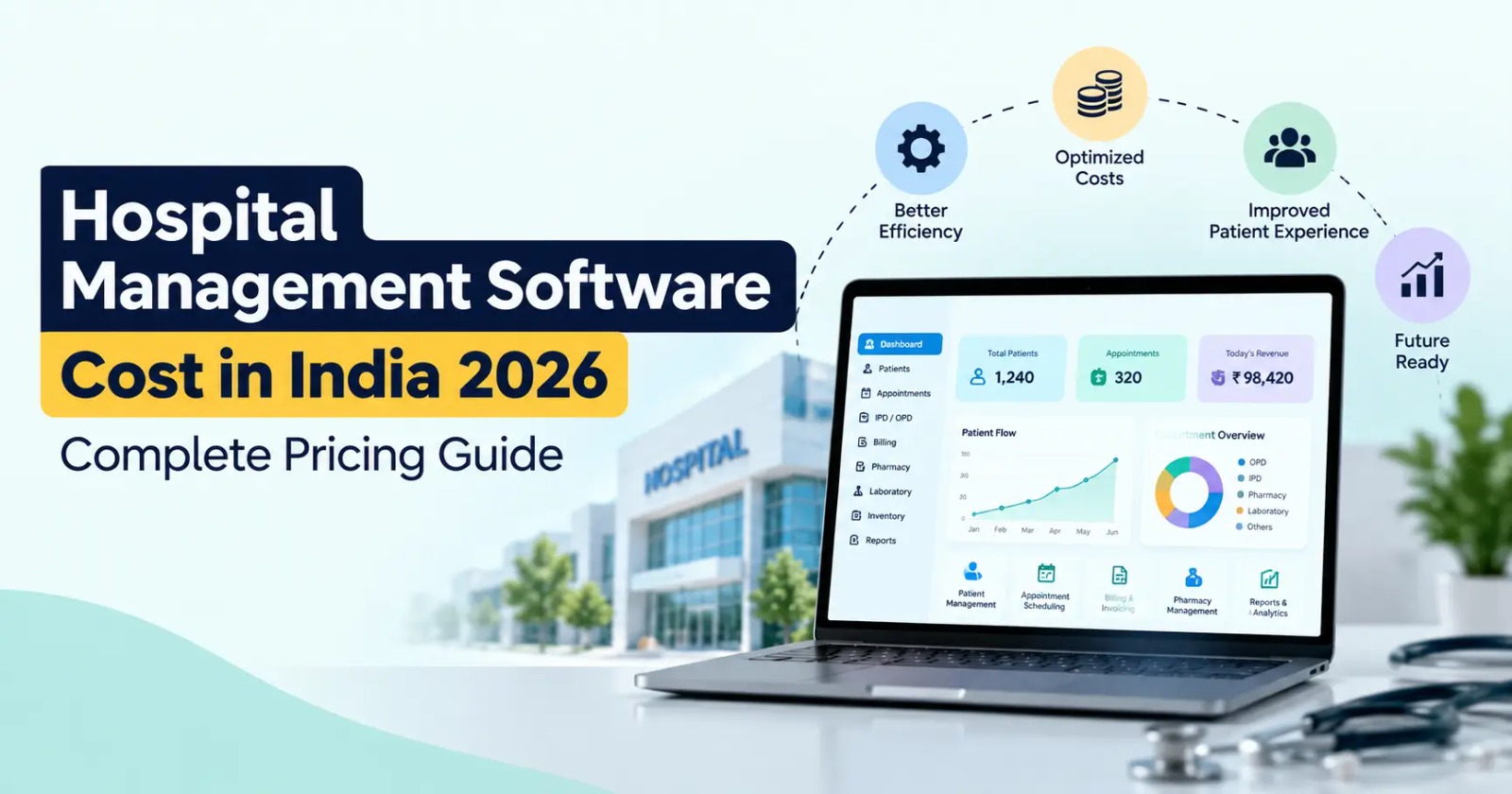
Hospital Management Software Cost in India 2026: Complete Pricing Guide
How much does hospital management software cost in India? Explore pricing models, features...

10 Signs Your Hospital Needs a Hospital Information System (HIS)
Is your hospital still relying on paper records or disconnected systems? Discover the top ...

Why Every Hospital Needs a Hospital Management System in 2026 ?
A Hospital Information System (HIS) helps hospitals connect clinical, administrative, and ...